
- Download the certificate generation tool:
URL: https://github.com/FiloSottile/mkcert/releases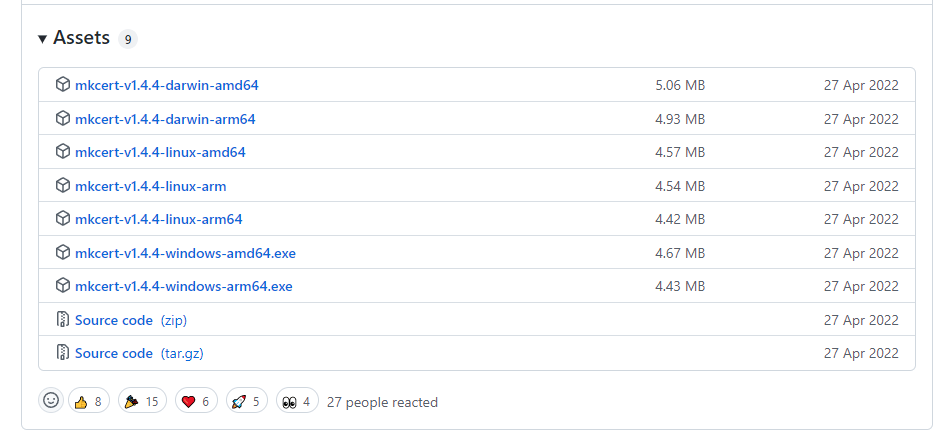
- Open cmd/PowerShell and navigate to the mkcert tool directory
- Install

- Generate the certificate
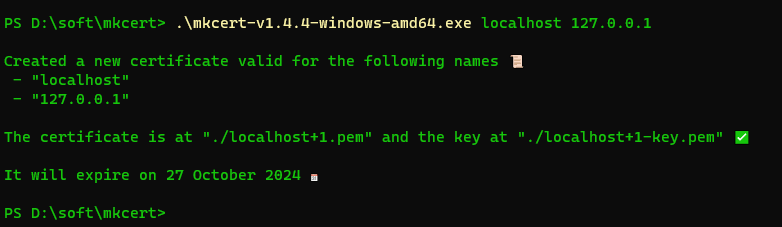
- (Optional) Rename the certificate files
For example: change the .pem extension to .crt, and the -key.pem extension to .key