SQLite database (optional). If you don't need it, please delete the related code and dependencies in the demo.
The SQLite third-party package is written in C/C++, so it needs to be recompiled. Please read the following tutorial and its official documentation carefully.
Features
- Large data capacity: 0-1024GB (per database)
- High performance
- MySQL-like syntax
Installation
Prerequisites: Python 3 environment required (Install Python on macOS)
Important: Delete the better_sqlite3 dependency first, install other dependencies, then install better_sqlite3 separately. If you encounter errors, on Windows 10 you need to install Visual Studio Community Edition and select C++ desktop development. Finally, run npm run re-sqlite or npm rebuild.
# Install node-gyp
# node-gyp@10.3.1 supports node 16.20.0
npm i node-gyp@10.3.1 -g

# Install build tools
npm install --save-dev @electron/rebuild

# (Required) Rebuild sqlite for the current operating system
npm i better-sqlite3@11.7.0
npm run re-sqlite

# If sqlite reports ...tools-related errors
npm --vs2015 i -g --production windows-build-tools
# Or
npm i -g --production windows-build-tools

# Or delete the entire node_modules and reinstall
# Or reinstall Visual Studio Community
better-sqlite3 Issues
See: better-sqlite3 Official Installation Troubleshooting
"scripts": {
  "re-sqlite": "electron-rebuild -f -w better-sqlite3"
}
Installation failed? See: Common Issues
Data File Location
Before packaging: Project root directory
electron-egg/data/db/xxx.dbAfter packaging: Software cache directory
# Windows (example)
---------\.software-name(e.g., .ee)\data\db\xxx.db

# macOS (example)
Users/user/.software-name(e.g., .ee)/data/db/xxx.db

# Linux (example)
$XDG_CONFIG_HOME or ~/.software-name(e.g., .ee)/data/db/xxx.db
Connect to Database
See: Example code in the demo branch
options Description
const sqliteOptions = {
  timeout: 6000,
  verbose: console.log // Print SQL syntax
}

// sqliteOptions object

readonly: false
Open the database connection in read-only mode (default: false).

fileMustExist: false
If the database does not exist, an error will be thrown instead of creating a new file. This option is ignored for in-memory, temporary, or read-only database connections (default: false).

timeout: 5000
The number of milliseconds to wait on a locked database before throwing a SQLITE_BUSY error when executing a query (default: 5000).

verbose: null
Provide a function that will be called with every SQL string executed by the database connection (default: null).

nativeBinding:
If you are using a complex build system that moves, transforms, or concatenates JS files, better-sqlite3 may not be able to locate its native C++ addon (better_sqlite3.node).
If you encounter such an error, you can provide the better_sqlite3.node path using this option (relative to the current working directory).
Graphical Data (Navicat)
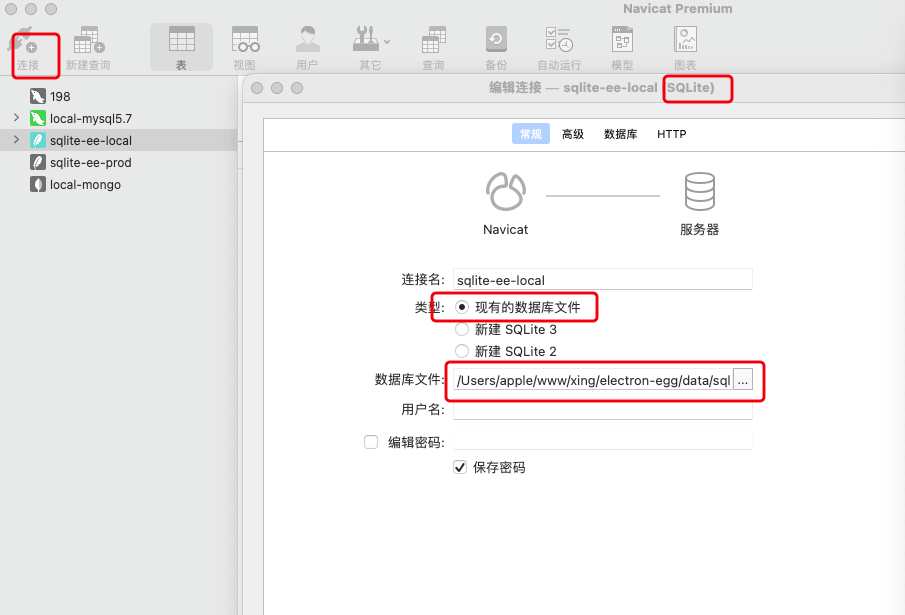
- Connect to the local sqlite-demo.db file
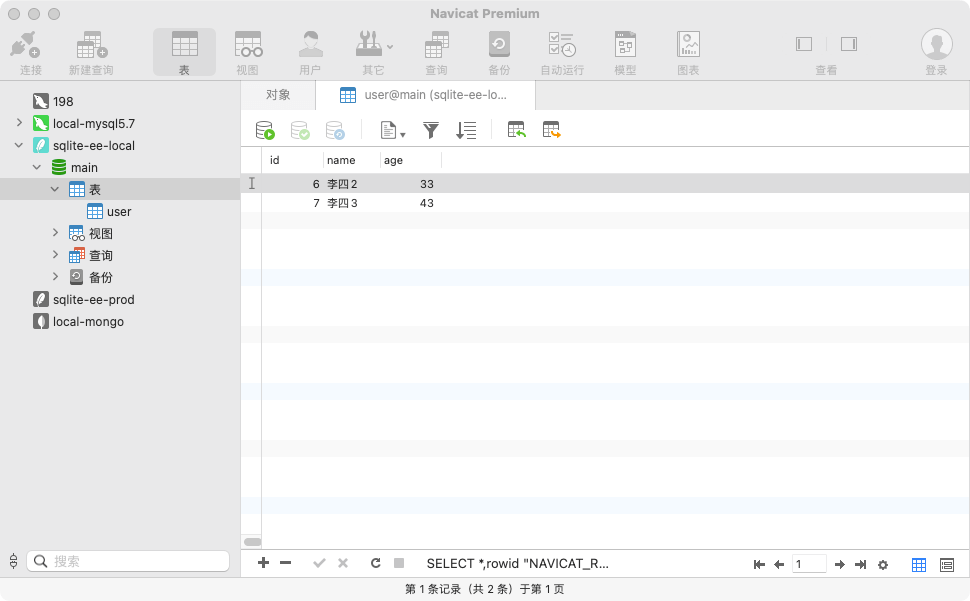
- Table data